How does Briefcase handle multi-line invoices?
Last updated: September 22, 2025
Briefcase can extract multi-invoices up to 20 lines.
To convert an invoice to multi-line (or back to single line) simply click the multi-line button on the invoice view screen.
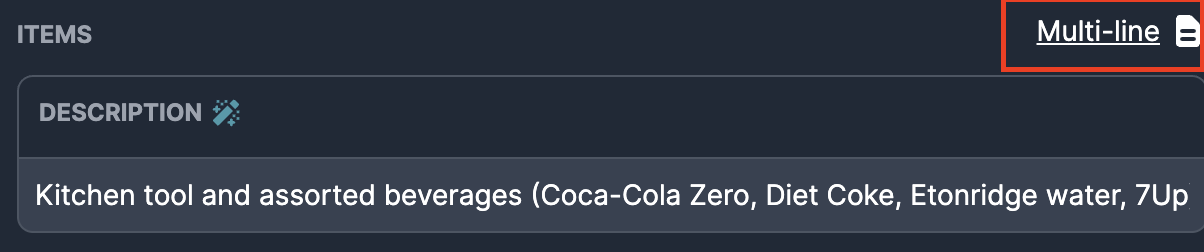
Here you can add as many manual lines as you want and fill in the details, with the total balance being calculated for you (and we won’t let you publish unless they match!)
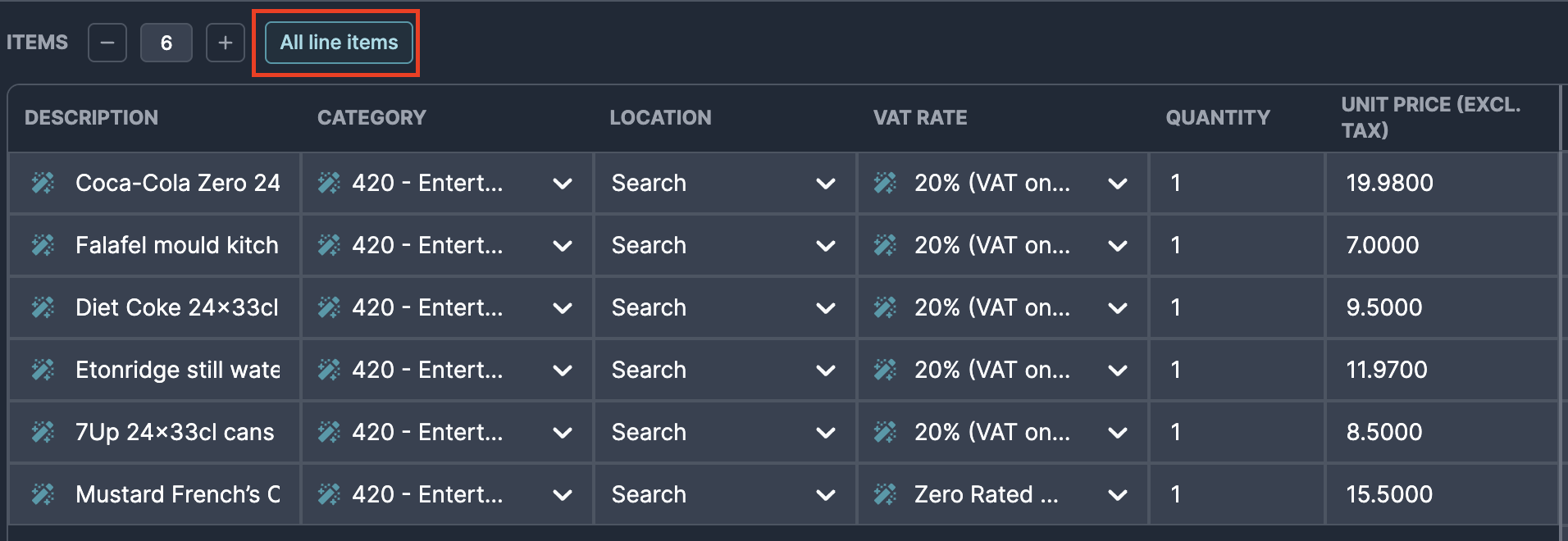
Briefcase will automatically split from single to multi-line and use AI to populate each line when it detects different VAT rates in an invoice
To access a more granular view of the line items, select "Show All Lines" to have all extracted lines be exposed.